
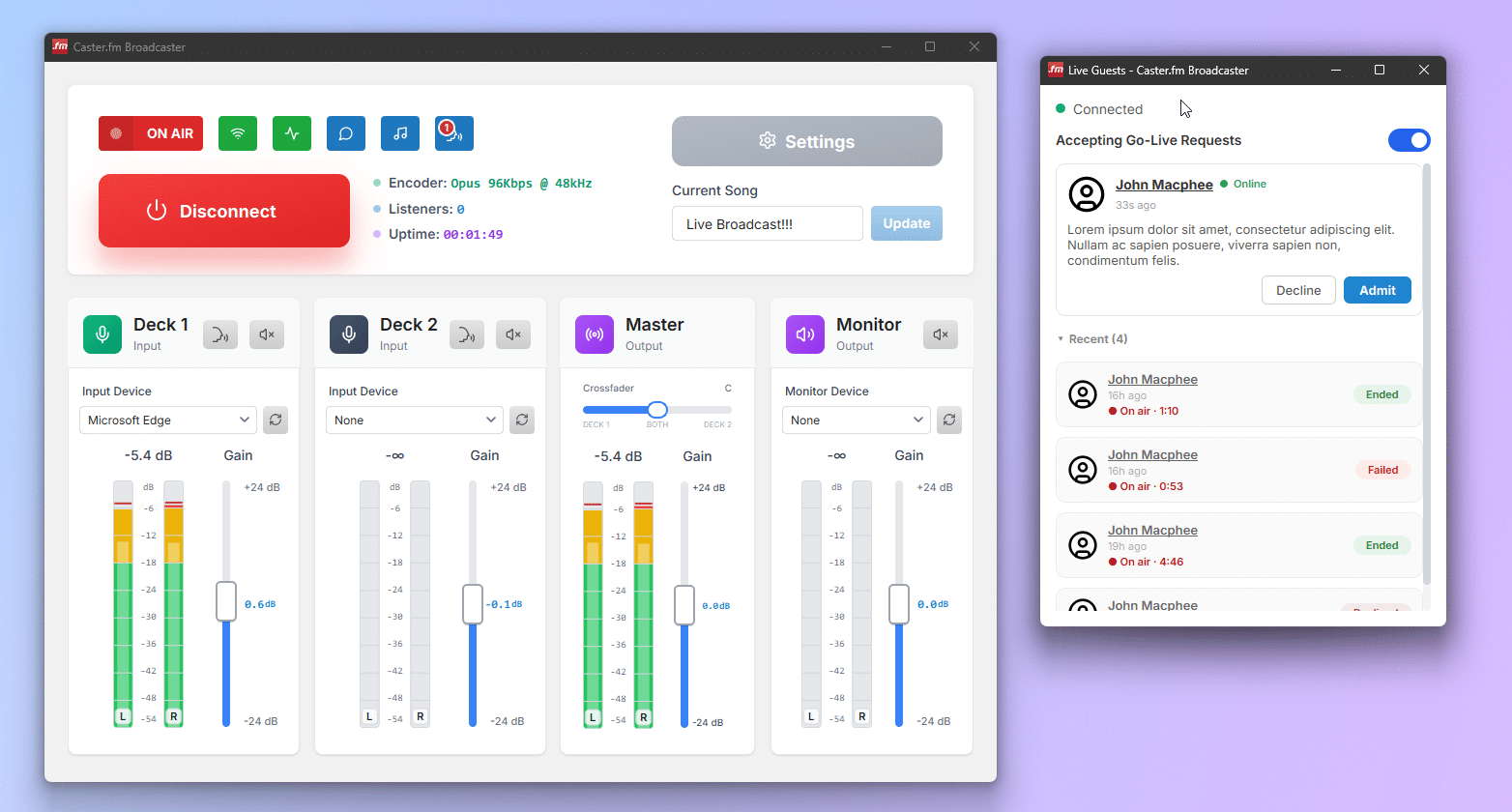
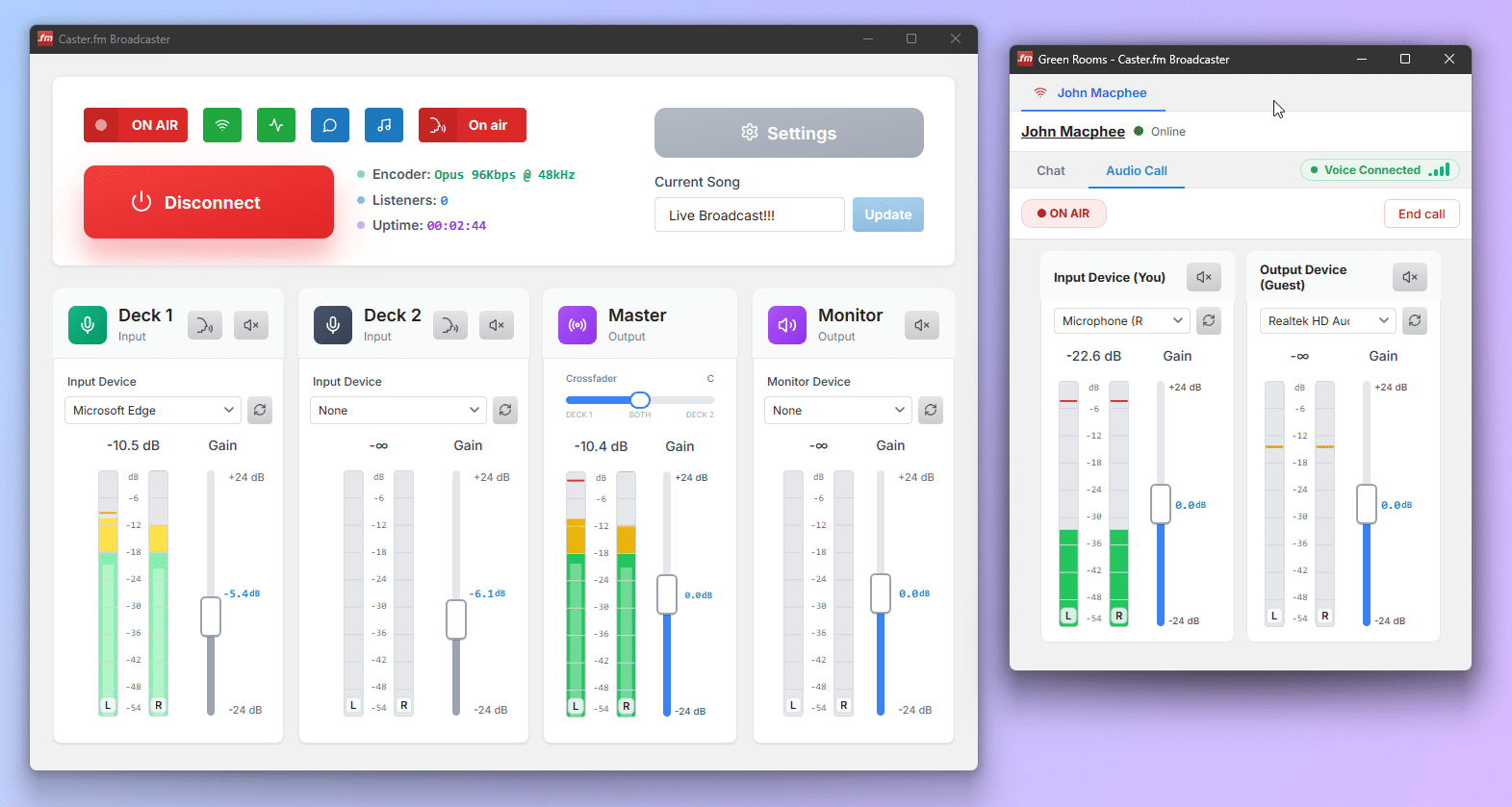
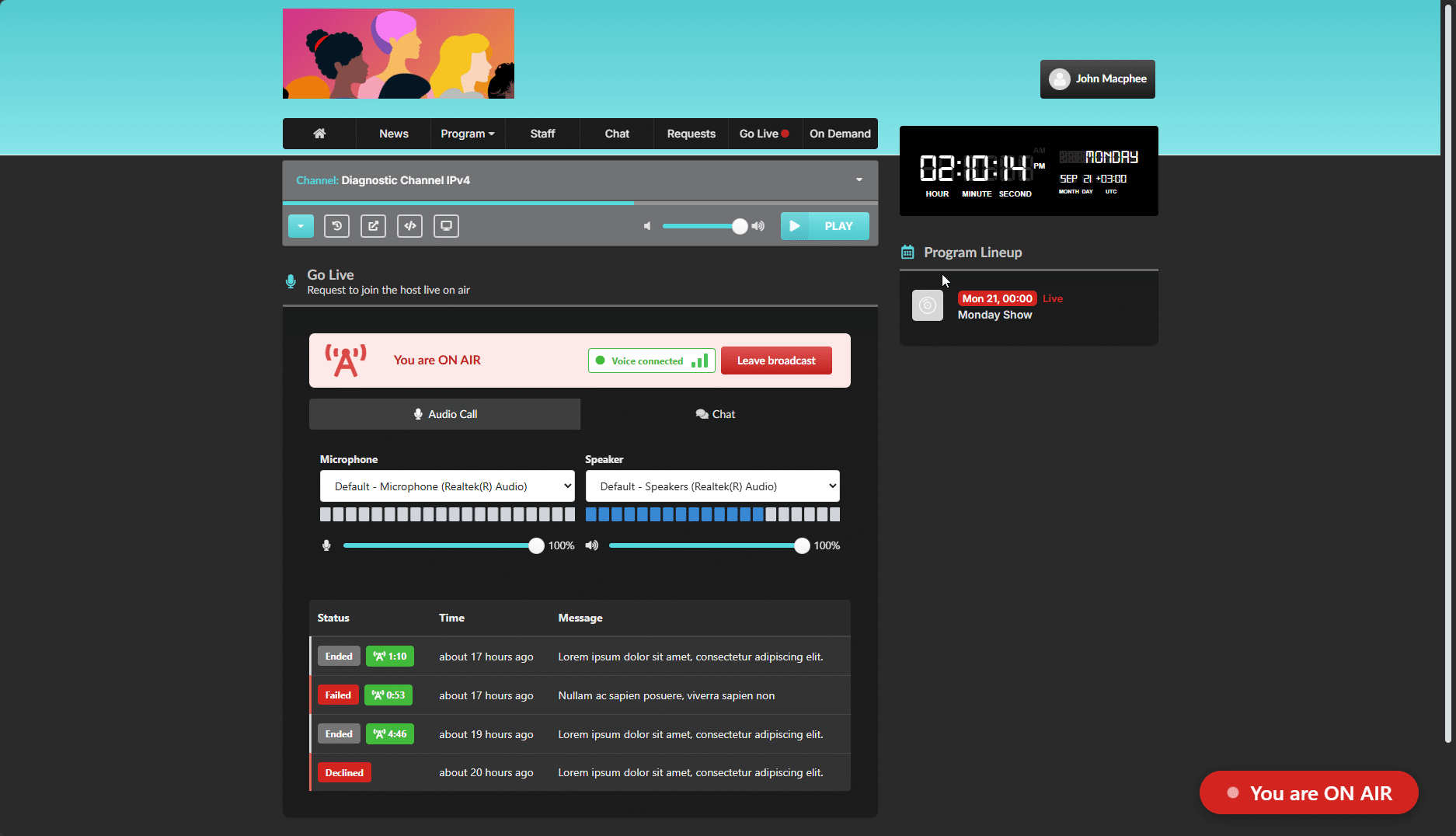
Your community has been able to chat with you and drop song requests. Now they can do something they’ve been asking for: actually go on air with you. Say hello to Go Live — real-time, two-way voice between you and your listeners, straight from your radio website into your broadcast.
No phone lines, no third-party call-in software, no dial-in numbers. A listener taps a button on your station site, and moments later they’re talking live on your stream.
⚠️ Heads up: Go Live needs a Cloud Plus subscription and Caster.fm Broadcaster v1.0.5+. Get both in place first, then follow the steps below.
📻 What is Go Live?
Go Live lets a signed-in listener request to join you on air right from your Caster.fm radio website. You see the request land in your Broadcaster, have a quick private chat to line things up, then drop them into a live voice call and put them on air — all in a few clicks, all inside the tools you already use.
It’s perfect for call-in shows, listener shout-outs, interviews, competitions, and Q&As.
⚡ How it works
- 🙋 A listener asks to go live. From your station website, they send a short message (“Long-time listener, first-time caller!”) and join the queue.
- 💬 You review the request. Requests appear live in your Broadcaster. Admit anyone into a private green room to chat by text first — no surprises, no dead air.
- 📞 Connect the call. One click opens a private voice call between you and your guest so you can check their audio and brief them.
- 🔴 Put them on air. When you’re ready, fold their voice into your broadcast. Done chatting? End the call and you’re back to solo in an instant.
🎛️ You stay in control
- 🔀 Per-channel switch — turn “accepting live requests” on or off for each channel, whenever you want.
- 🚪 Green room first — every guest passes through a private chat before they ever reach air.
- ✋ Your call, always — admit, remove, or end anyone at any point.
- ⏲️ Re-request cooldown — keep the queue sane by setting how long a listener must wait before asking again.
🚀 How to turn it on
Go Live is part of Cloud Plus and requires Caster.fm Broadcaster v1.0.5 or newer. Once you’re on Cloud Plus and updated, enable Go Live under your website module settings, flip on “accepting live requests” for a channel, and your listeners will see the option on your site.
Not on the latest version yet? Download the newest Caster.fm Broadcaster here — v1.0.5 adds the live-mixing and rock-solid call recovery that Go Live runs on.
We can’t wait to hear who your listeners become when you hand them the mic. 🎙️